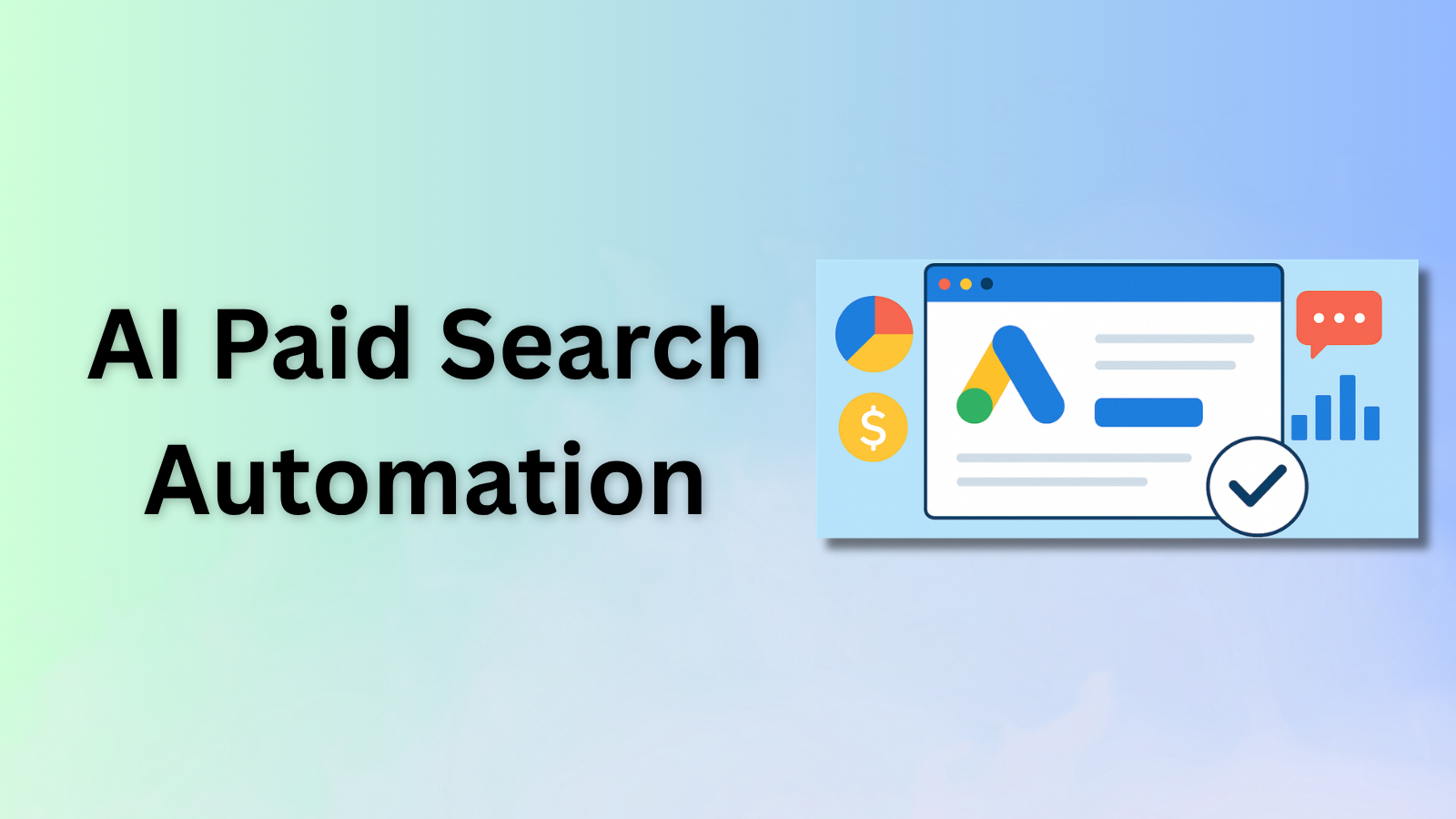
I would be careful with any tool that promises to fully automate paid search.
The useful version of AI paid search is narrower: better query mining, faster creative testing, tighter landing page matching, smarter reporting, and stronger budget guardrails.
Quick Verdict
Use AI to improve decisions around search terms, landing pages, ad copy, and reporting. Do not blindly hand over spend.
| Workflow | AI can help with | Tools to evaluate |
|---|---|---|
| Query mining | Cluster search terms and find waste | Google Ads, Optmyzr, Opteo, Claude |
| Negative keywords | Suggest exclusions for human review | Google Ads, Optmyzr, Opteo |
| Ad copy | Create variants and angle tests | Claude, AdCreative.ai, Google Ads |
| Landing pages | Match intent to page and offer | Webflow, Unbounce, Claude |
| Creative | Generate fast ad concepts | Canva, AdCreative.ai |
| Reporting | Summarize performance and anomalies | Optmyzr, Opteo, Looker Studio |
For the broader tool stack, read Best AI Marketing Tools.
Where AI Helps Paid Search
AI helps when it makes the paid search manager faster and more precise.
The useful areas are:
- Search term review
- Negative keyword discovery
- Campaign anomaly detection
- Budget pacing
- Creative testing
- Landing page matching
- Reporting summaries
- Forecasting and scenario planning
The dangerous area is unmanaged automation. Paid search already has a lot of platform automation. The human job is to provide better inputs and guardrails.
The Workflow I Would Build
Step 1: Export search terms weekly
Pull search terms, campaign, ad group, match type, spend, clicks, conversions, CPA, and revenue if available.
Then use AI to cluster terms into:
- Strong intent
- Weak intent
- Bad fit
- Research intent
- Competitor intent
- Support intent
- Irrelevant
Claude can help summarize patterns, but the final negative keyword decisions should be human-reviewed.
Step 2: Build a negative keyword review loop
Do not auto-apply every negative keyword suggestion.
Create a simple review queue:
- Term
- Spend
- Conversion count
- Reason for exclusion
- Match type
- Campaign impact
This is where tools like Optmyzr and Opteo can help because they monitor accounts and surface recommendations.
Step 3: Match landing pages to intent
Paid search often fails because the query and landing page do not match.
Use AI to review:
- Search term
- Ad copy
- Landing page headline
- Offer
- CTA
- Objections
Then group terms by landing page intent. If a campaign mixes too many intents, split it.
Step 4: Generate ad variants from real angles
Use Claude, AdCreative.ai, or Google Ads assets to create variants, but start with human-defined angles:
- Speed
- Cost reduction
- Pipeline quality
- Integration
- Compliance
- Ease of setup
- Category replacement
AI is good at variation. It is not always good at choosing the right strategic angle.
Step 5: Add budget guardrails
AI paid search should have spending rules:
- Stop if CPA exceeds threshold.
- Alert if spend spikes.
- Alert if conversions drop.
- Alert if search terms drift.
- Separate brand, competitor, and non-brand budgets.
- Review Performance Max placements and inputs.
Google Performance Max uses Google AI across bidding, budget optimization, audiences, creatives, attribution, and more. That is powerful, but it also means your inputs matter.
Step 6: Summarize weekly learnings
Every week, create a short summary:
- What changed?
- What wasted spend?
- Which intent categories worked?
- Which landing pages underperformed?
- Which ads won?
- What should be tested next?
This is a good place to use Claude or an automation tool like Gumloop.
What I Would Not Automate
I would not fully automate:
- Budget increases
- Negative keyword application
- Brand safety decisions
- Landing page selection
- Offer changes
- Conversion value rules
- Final campaign structure
AI should recommend. The operator should decide.
My Starter Stack
For a small team:
- Google Ads native automation
- Claude for analysis and copy
- Canva or AdCreative.ai for creative
- Webflow or Unbounce for landing pages
- Optmyzr or Opteo once account complexity increases
For a bigger team:
- Add Looker Studio or a BI layer
- Add Hightouch for audience sync if warehouse data matters
- Add Vector for B2B contact-level audience work
Related Reading
- Best AI Marketing Tools
- Best AI Growth Tools for B2B SaaS
- Best AI GTM Tools
- 30 Best AI Marketing Tools I'm Using to Get Ahead in 2026