The AI outbound systems that work usually look boring from the outside.
The hard part is not writing a clever email. The hard part is getting the right accounts, the right signal, the right enrichment, the right review gate, and the right feedback loop.
Quick Verdict
A working AI outbound system has six layers:
- ICP and exclusions
- Signal capture
- Account and contact enrichment
- Scoring and prioritization
- Personalization with review gates
- Controlled sending and measurement
The tools matter, but the workflow matters more.
The Outbound System Map
| Layer | Goal | Example tools |
|---|---|---|
| ICP | Define who should and should not get outreach | Claude, CRM, customer data |
| Signals | Identify timing | Clay, Unify, Common Room, Warmly |
| Enrichment | Complete account/contact records | Clay, Apollo, FullEnrich, Clearbit |
| Scoring | Prioritize the best accounts | Clay, HubSpot, Salesforce |
| Personalization | Create relevant messages | Claude, Clay, Regie.ai |
| Sending | Execute safely | Instantly, Smartlead, Apollo |
| Measurement | Learn what works | HubSpot, Salesforce, HockeyStack |
For tool selection, start with Best AI SDR Tools.
Step 1: Define ICP And Exclusions
Most outbound fails before the first email is written.
Start by defining:
- Best-fit company type
- Company size
- Geography
- Buyer persona
- Trigger events
- Exclusion criteria
- Bad-fit segments
I would use Claude to turn customer notes, CRM exports, sales notes, and win/loss patterns into an ICP draft. Then I would make the human decision. AI can summarize patterns, but it should not decide the market alone.
Step 2: Capture Signals
Signals help decide why now.
Useful signals include:
- Hiring
- Funding
- Product launch
- Technology change
- Website visits
- New executive hire
- Competitor mention
- Category activity
- CRM reactivation
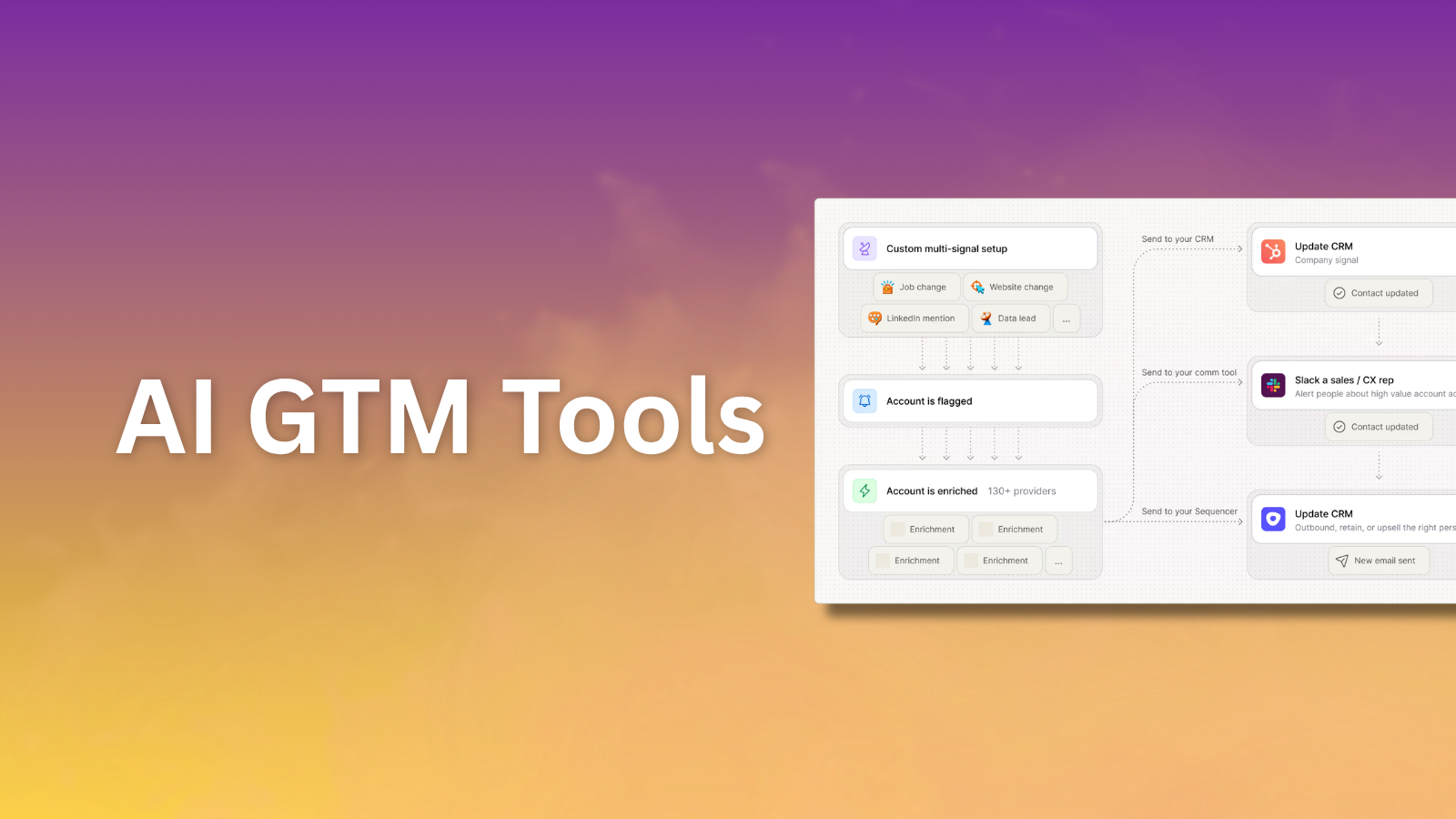
Tools like Clay, Unify, Common Room, and Warmly can help teams act on these signals.
Step 3: Enrich Accounts And Contacts
Once the account list is defined, enrich it.
Fields I care about:
- Company name and URL
- Employee count
- Industry
- Funding or growth signals
- Technologies used
- Buyer titles
- Verified email
- Phone number if calling
- CRM owner or status
Clay is useful for flexible enrichment. Apollo is useful when the database and engagement layer should live together. FullEnrich can help when email and phone coverage are the bottleneck.
For a deeper data view, read Best GTM Data Enrichment Tools.
Step 4: Score And Prioritize
Do not send to everyone at once.
Create a simple score:
- ICP fit: 0-3
- Signal strength: 0-3
- Persona fit: 0-2
- Data confidence: 0-2
Then only send the first campaign to accounts above the threshold.
AI can help explain why an account is a fit, but the scoring rules should be explicit.
Step 5: Personalize With Review Gates
This is where teams get into trouble.
Bad personalization is worse than no personalization. Do not use AI to generate fake intimacy or weird praise.
Better personalization uses:
- The company problem
- The trigger event
- The buyer's likely responsibility
- A clear reason for the message
- A simple offer
I would review samples before sending any campaign. If the personalization looks impressive but does not change the relevance of the email, cut it.
Step 6: Send, Measure, And Clean The Loop
Use Instantly, Smartlead, Apollo, Outreach, or Salesloft to send once the list and message are ready.
Measure:
- Deliverability
- Bounce rate
- Positive reply rate
- Meeting rate
- Qualified meeting rate
- Pipeline created
- Segment-level performance
The goal is not more sends. The goal is better learning per send.
What Breaks
AI outbound breaks when:
- The ICP is too broad.
- Signals are weak.
- Data is not verified.
- AI writes generic copy.
- Sending volume ramps too fast.
- Nobody reviews examples.
- CRM feedback is missing.
I would rather send 200 strong emails from a controlled system than 5,000 AI-personalized emails to a sloppy list.
My Starter Workflow
For an early team:
- Use Claude to clarify ICP and messaging.
- Use Apollo to build a starter list.
- Use Clay to enrich, research, and score accounts.
- Use FullEnrich if contact data is weak.
- Use Instantly or Smartlead for sending.
- Sync outcomes to HubSpot or Salesforce.
- Review every reply category weekly.